Feature graphic generator
Make the 1024 × 500 Google Play feature graphic with a centre guide. PNG or JPEG without alpha. Free, no watermark.
Drop up to 10 screenshots here
PNG, JPEG or WebP. Your files stay in this browser.
Style
Targets
Layout
Each size adapts automatically. Untick the box above to set a layout for the current size only.
Text
About your app (for AI headlines)
One credit covers a set of up to 10 slides.
Headlines, translation and AI backgrounds are not switched on yet. The editor and every export work now, and nothing here costs credits.
Something went wrong.
Background
Uses your two colours. Abstract only: no devices, people, logos or text.
Frame
Generic frames are plain rounded slabs. Google Play presets default to no frame.
Only use bezel files you're licensed to use. Apple's bezels are licensed to Apple Developer Program members for marketing their own apps. Your file stays in your browser.
Languages
One credit per language. Each language exports into its own folder. Language list not verified against Apple's page.
Export
Your project autosaves in this browser.
Add a screenshot to export. PNG without transparency, as both stores require.
Feature graphic requirements
| Item | Requirement |
|---|---|
| Size | 1024 × 500 px |
| Format | JPEG or 24-bit PNG |
| Alpha channel | Not allowed |
| Layout | Keep key elements centred, away from the edges where the image can be cut off |
| Content to avoid | Device imagery, and words such as “Free” and “Best” |
Verified on 17 Oct 2026 · Source: Google.
Example feature graphics
Two 1024 × 500 exports with the same text on different backgrounds. Both files are exactly 1024 × 500 and have no alpha channel.
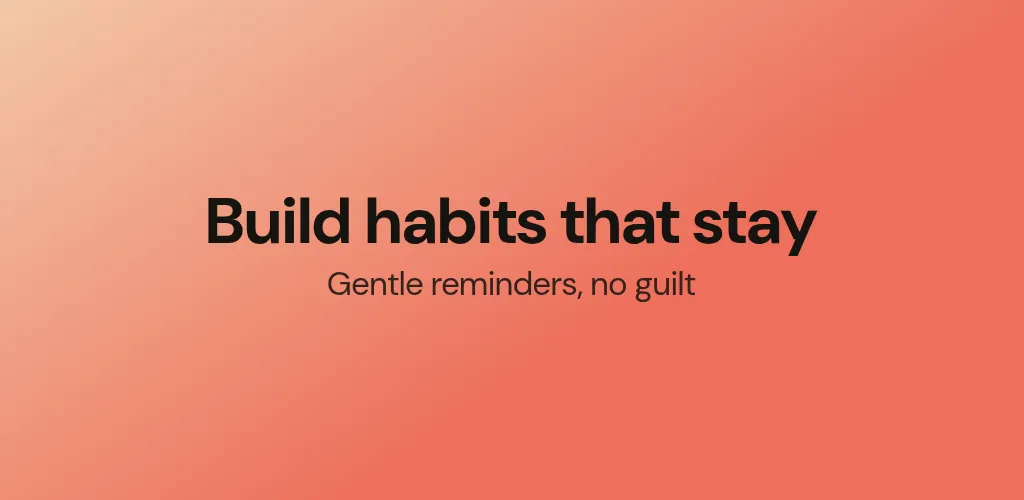 Two-stop gradient · light
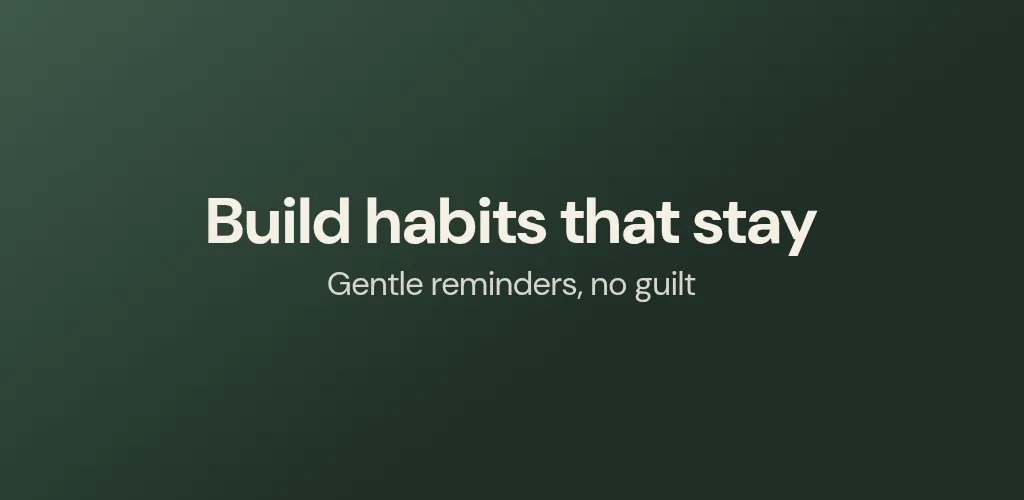 Two-stop gradient · dark
Three ways to build one
Gradient and headline
Two brand colours and one line of text. Fast, readable at small sizes, and free.
$0Your own artwork
Load an image as the background; it is cropped to fill 1024 × 500. Keep the important part in the middle.
$0AI background
An abstract background in your two colours, without devices, people, logos or text.
2creditsHow to make a feature graphic
Start from a background
Use a solid colour, a two-stop gradient, your own image or, with credits, an AI background. The headline sits on top.
Write a short line
One short headline, with an optional subline. Keep it inside the centre guide.
Export PNG or JPEG
The file is flattened onto the background so it has no alpha, exactly 1024 × 500 px. It is saved as google-play/feature-graphic-1024x500.png in the ZIP.
Need the other Google Play sizes?
Phone and tablet screenshots have their own presets in the screenshot generator for Google Play, and the Google Play screenshot size guide lists every requirement.
Questions
What size is the Google Play feature graphic?
1024 × 500 pixels, as JPEG or 24-bit PNG with no alpha channel. Source: Google, verified 17 Oct 2026.
What is the safe-zone guide?
Google says to keep key elements centred and away from the edges, where the graphic can be cut off. The guide in the preview marks a conservative centre area. It is our approximation, not an official measurement, and it is never drawn into the exported file.
What should I put in a feature graphic?
Your app name or tagline and one strong visual. Google advises against device imagery and against words such as “Free” or “Best”, so the feature graphic preset has no frame by default.
Does the generator make the app icon too?
No. The icon is a separate 512 × 512 PNG (with alpha) and is not part of this tool.
Can I export the feature graphic with my screenshots?
Yes. Tick Feature graphic next to your other sizes and it is added to the same ZIP as one file, google-play/feature-graphic-1024x500.png. With translations, each language gets its own file with the locale code at the end.
Does the feature graphic show my app screenshot?
No. It has its own layout: a centred headline and subline on your background, with no device or app screenshot. Use the background, colours and text to carry it.
Is it really free?
Yes. The editor and every export (all sizes, PNG or JPEG, one ZIP) are free, with no watermark and no sign-in. Only the optional AI features use credits, and you sign in with Google to use them.